
Facebook Groups & Communities
Learn to create, manage, and grow a useful Facebook community. Build a clear member experience, encourage real discussions, moderate confidently, and develop a sustainable community strategy for 2026.
Facebook Groups in 2026
Groups are spaces for shared interests and ongoing discussion. A Group is not simply a second feed for promotional posts. Its value comes from member-to-member participation, useful resources, and thoughtful moderation.
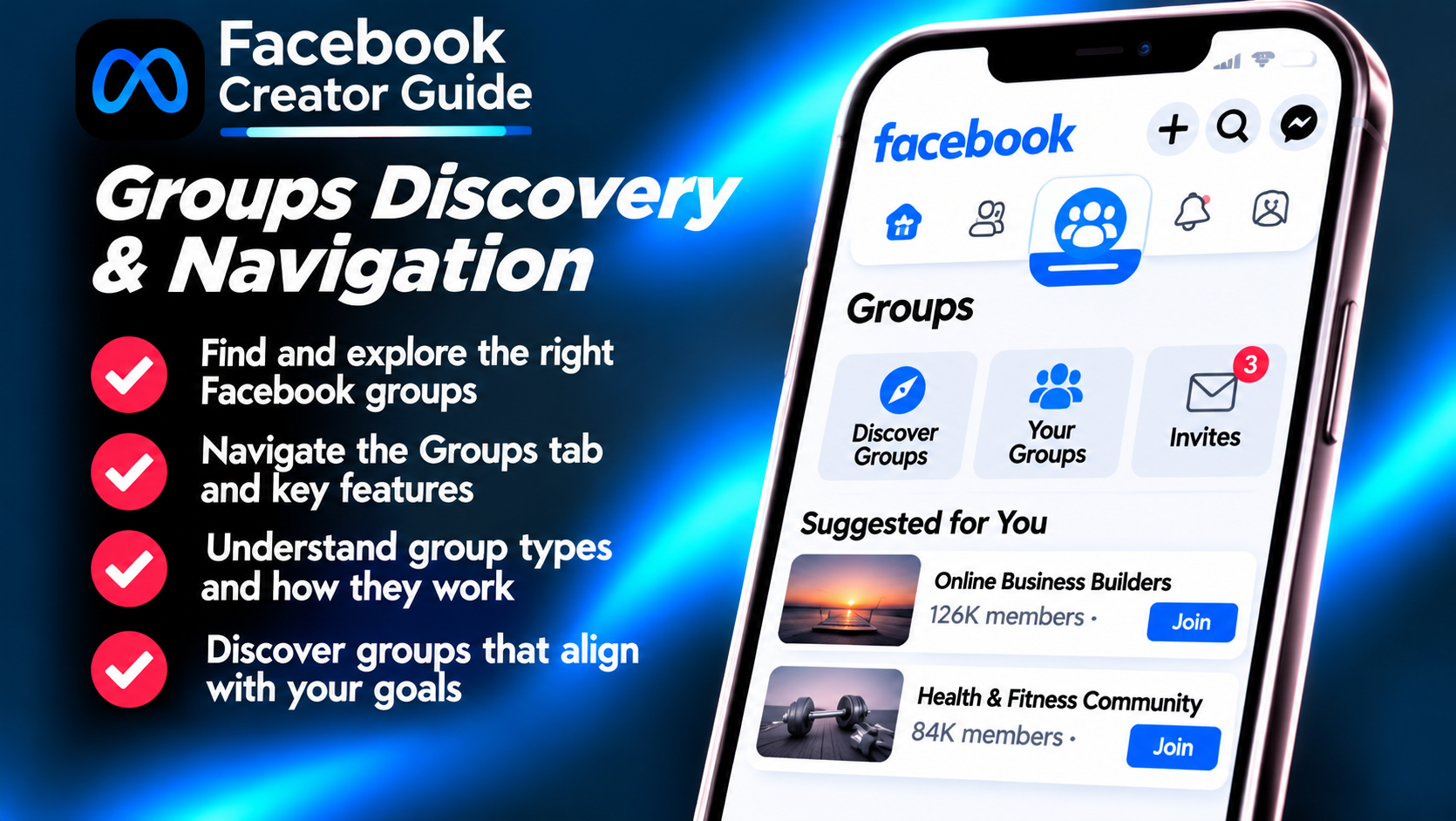
Step-by-Step: Explore a Group
- Open Facebook and select Groups from the menu or search.
- Browse a relevant public Group and read its description and rules.
- Compare posts, featured content, discussions, and member interactions.
- Identify three recurring questions and two examples of useful community contributions.
Use the tools currently available in your Facebook app. Menu labels and eligibility can differ across accounts, devices, and regions.
Choose Your Community Model
You can grow relationships by contributing to existing Groups or by running your own. A Page and a Group serve different purposes: Pages communicate a public brand presence while Groups support discussion around a shared topic.
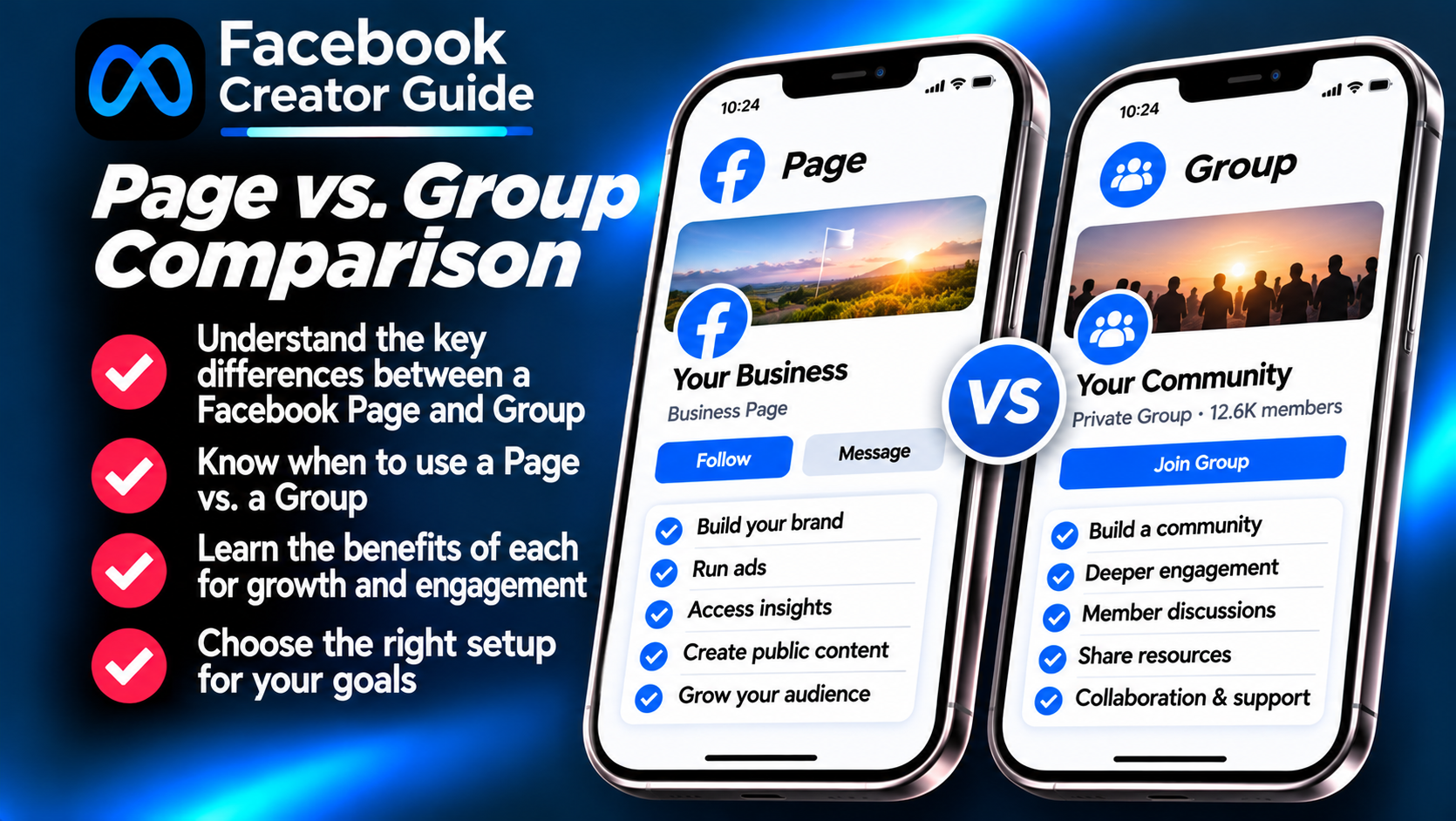
Step-by-Step: Define your purpose
- Write one sentence explaining who the Group is for.
- Choose the primary member benefit: peer support, learning, accountability, or shared interest.
- Check whether an existing community already serves this need.
- Decide whether a new Group is worth the ongoing moderation commitment.
Use the tools currently available in your Facebook app. Menu labels and eligibility can differ across accounts, devices, and regions.
Create & Configure a Group
Facebook Group creation options and labels can vary by device and account. Check the current privacy and visibility options carefully because some settings have restrictions on later changes.
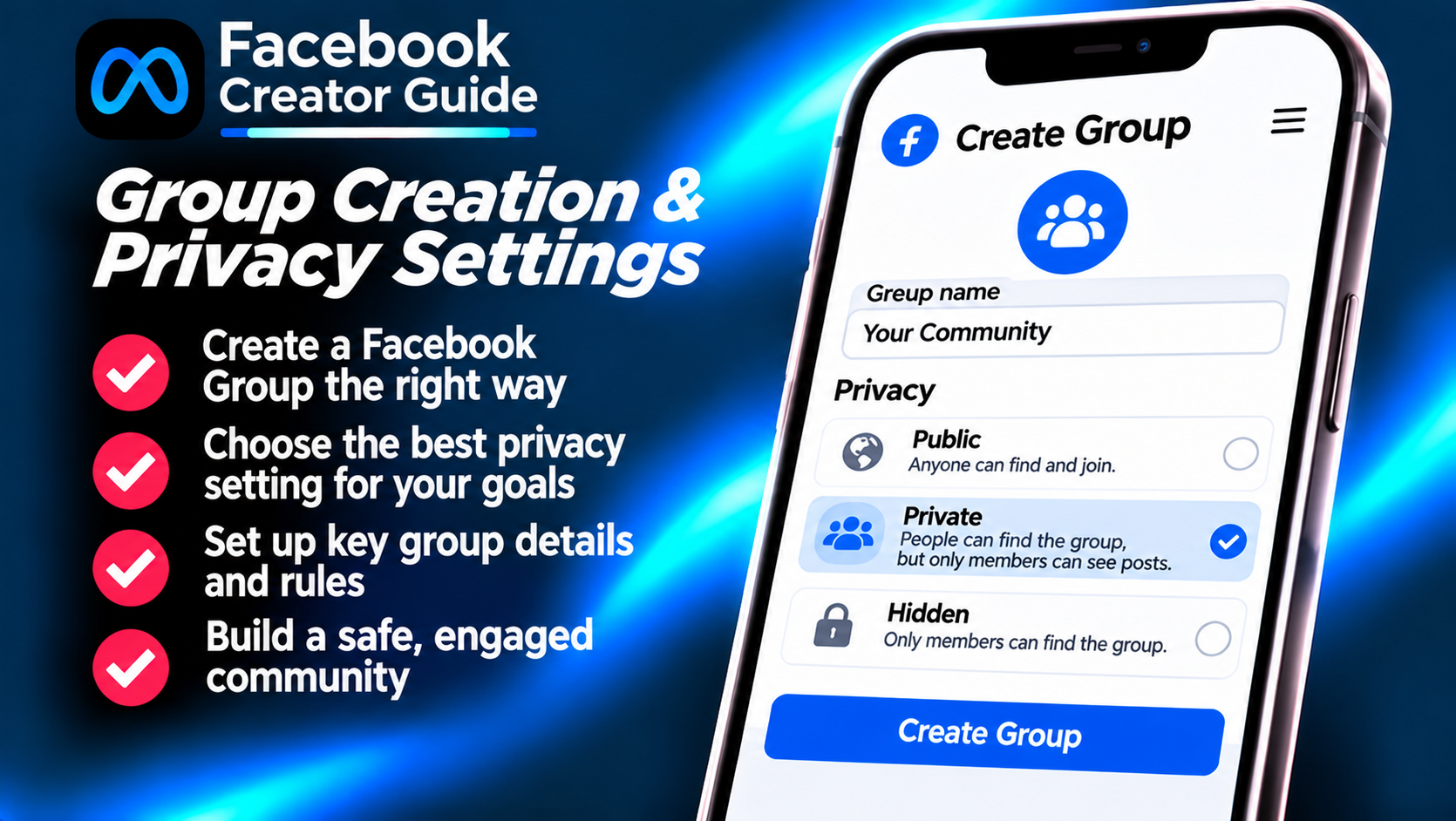
Step-by-Step: Create your Group
- From Facebook, open Groups and find the Create Group action.
- Enter a descriptive, accurate Group name.
- Choose the available privacy and visibility settings deliberately.
- Invite initial members only when they would genuinely benefit.
- Add a clear description, cover image, and applicable rules.
- Review settings before announcing the Group.
Use the tools currently available in your Facebook app. Menu labels and eligibility can differ across accounts, devices, and regions.
Membership & Community Rules
A healthy Group needs clear expectations. Explain what belongs, what does not, how promotion works, and how members can report concerns. Avoid gathering sensitive personal information unnecessarily.
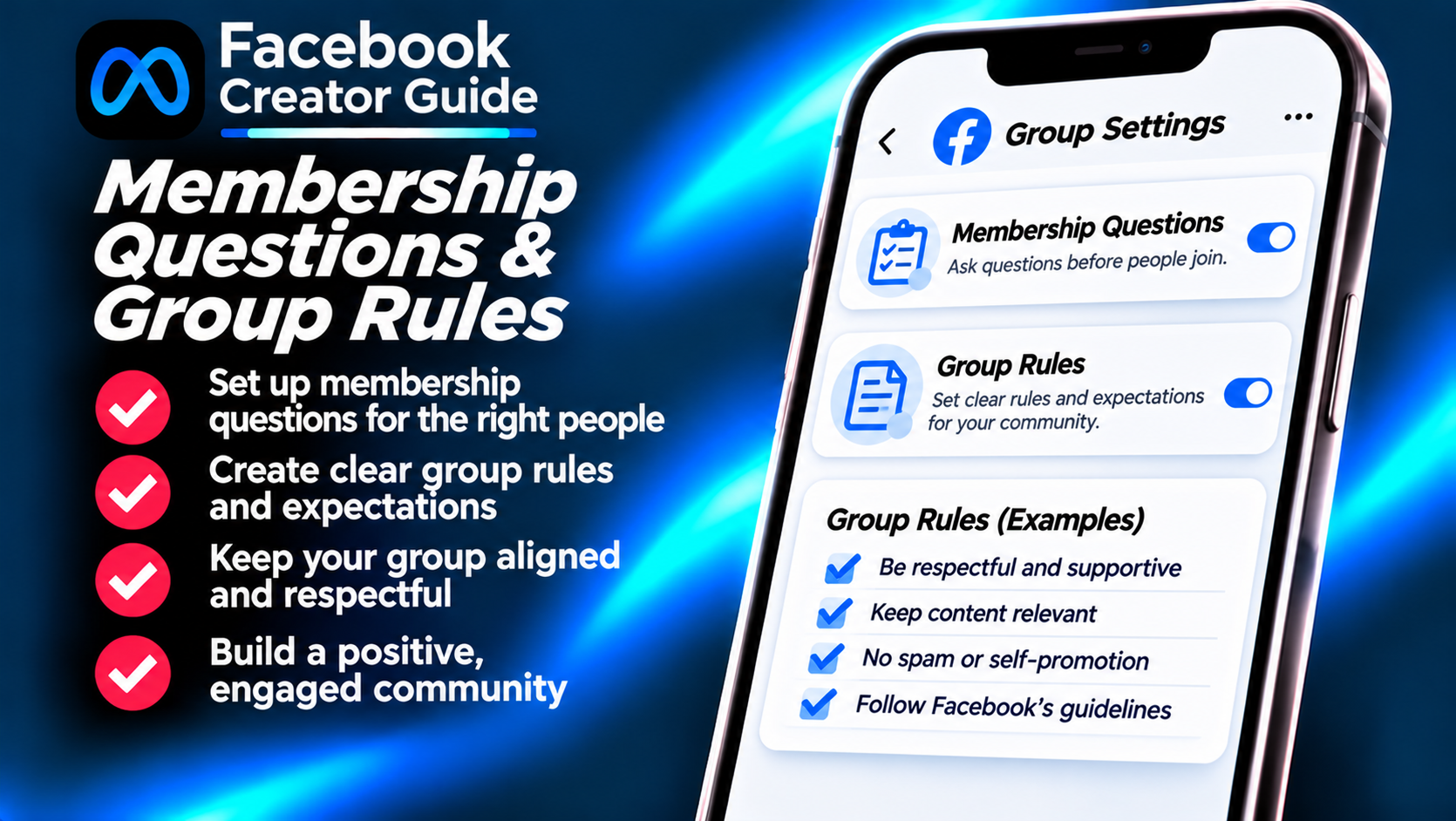
Step-by-Step: Set up member entry
- Open your Group management tools.
- Review membership approval and available participation settings.
- Add a few relevant membership questions if supported.
- Write concise rules about respect, spam, privacy, and promotions.
- Set expectations for administrator response times.
- Test the joining experience using an appropriate account if possible.
Use the tools currently available in your Facebook app. Menu labels and eligibility can differ across accounts, devices, and regions.
Plan Content That Creates Discussion
Group content works best when members have something useful to contribute. Mix educational posts, questions, collaborative exercises, member stories, and resources. Avoid turning every post into a pitch.
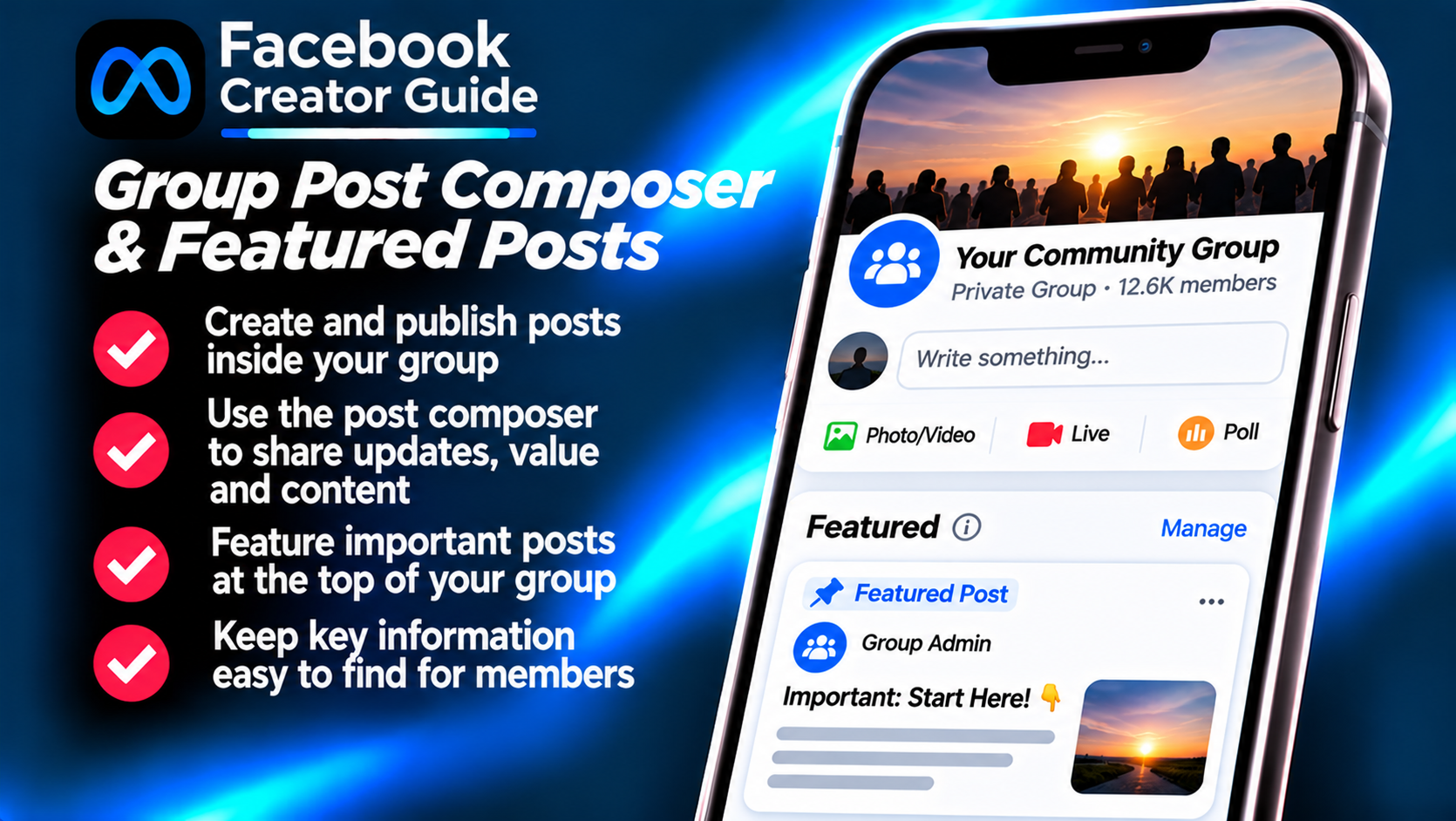
Step-by-Step: Build your weekly rhythm
- Choose three recurring themes tied to the Group purpose.
- Write one educational post with a practical takeaway.
- Draft one open-ended discussion prompt.
- Plan one member participation activity.
- Add a weekly recap that reflects actual conversations.
- Leave room for member-led topics.
Use the tools currently available in your Facebook app. Menu labels and eligibility can differ across accounts, devices, and regions.
Welcome & Onboard Members
A simple onboarding experience reduces confusion and helps people take their first useful action. Keep instructions short and make the next step obvious.
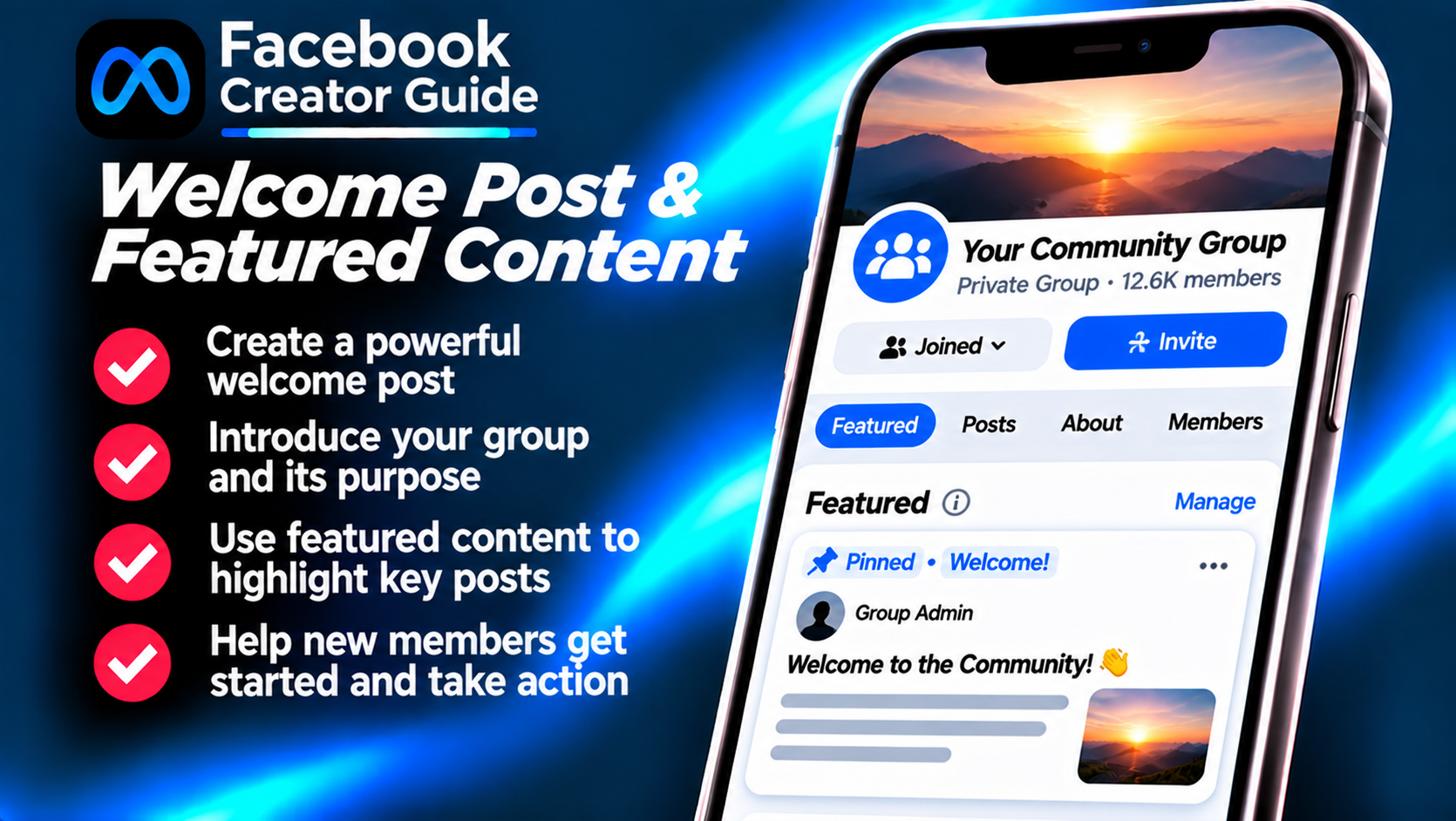
Step-by-Step: Create a welcome pathway
- Write a welcome message explaining the Group purpose.
- Point new members to the rules and essential resources.
- Create an introduction prompt that does not pressure members to share private details.
- Feature or pin important posts where supported.
- Invite one small first action, such as answering a topic question.
Use the tools currently available in your Facebook app. Menu labels and eligibility can differ across accounts, devices, and regions.
Moderation & Safety
Moderation is an ongoing responsibility. Review reports, remove spam, handle disagreements consistently, and use available admin tools. Facebook may change automated moderation features and permissions over time.
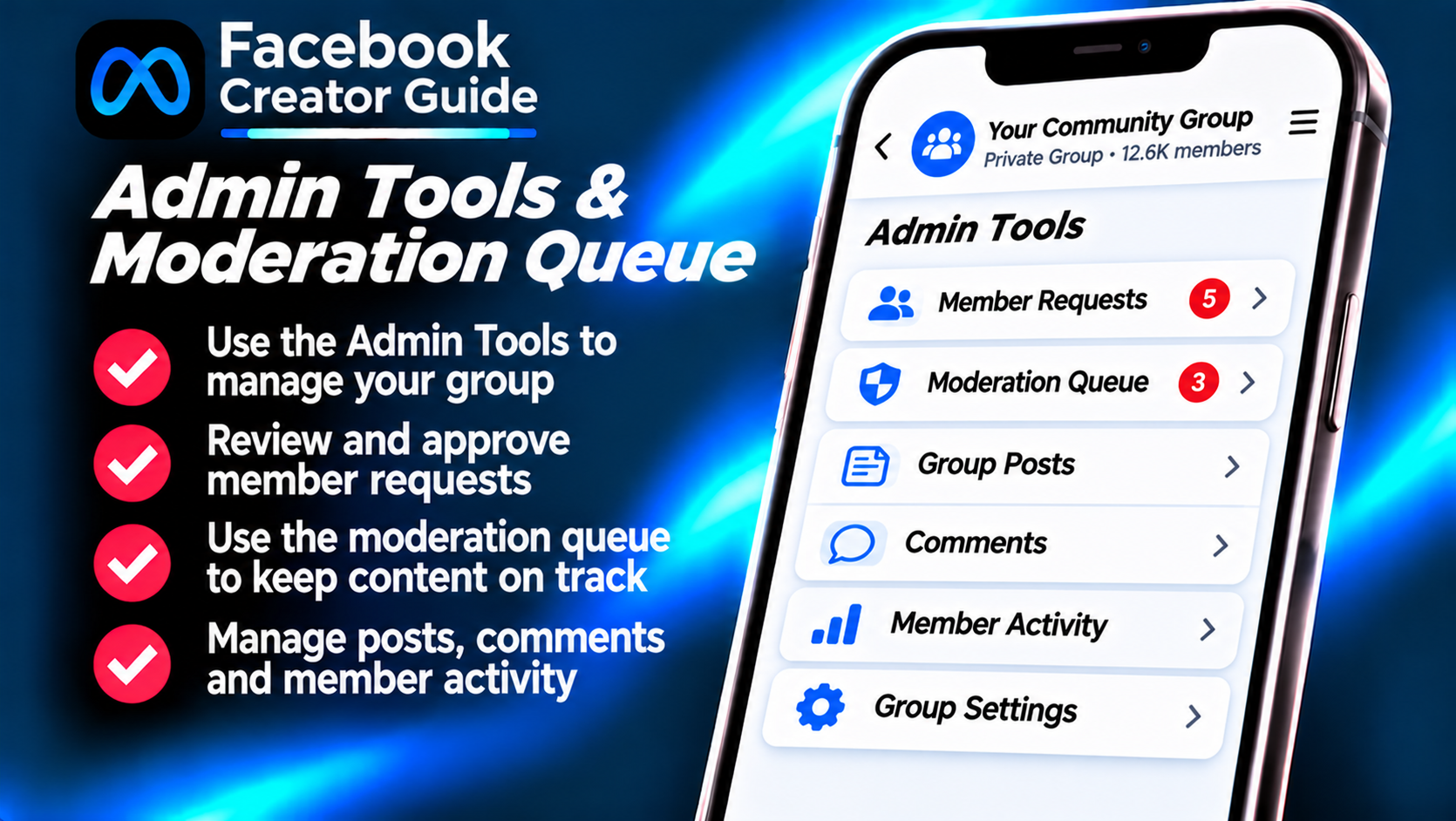
Step-by-Step: Review moderation tools
- Open the Group admin or management area.
- Find pending posts, reported content, and member requests.
- Review available automated assistance and keyword controls.
- Define how warnings, removals, and appeals will be handled.
- Assign moderator roles only to trusted people.
- Create an escalation plan for harassment or unsafe content.
Use the tools currently available in your Facebook app. Menu labels and eligibility can differ across accounts, devices, and regions.
Events, LIVE & Community Activities
Events, scheduled discussions, and live sessions can deepen participation when they serve a clear purpose. Feature availability differs across Groups, Pages, and regions.
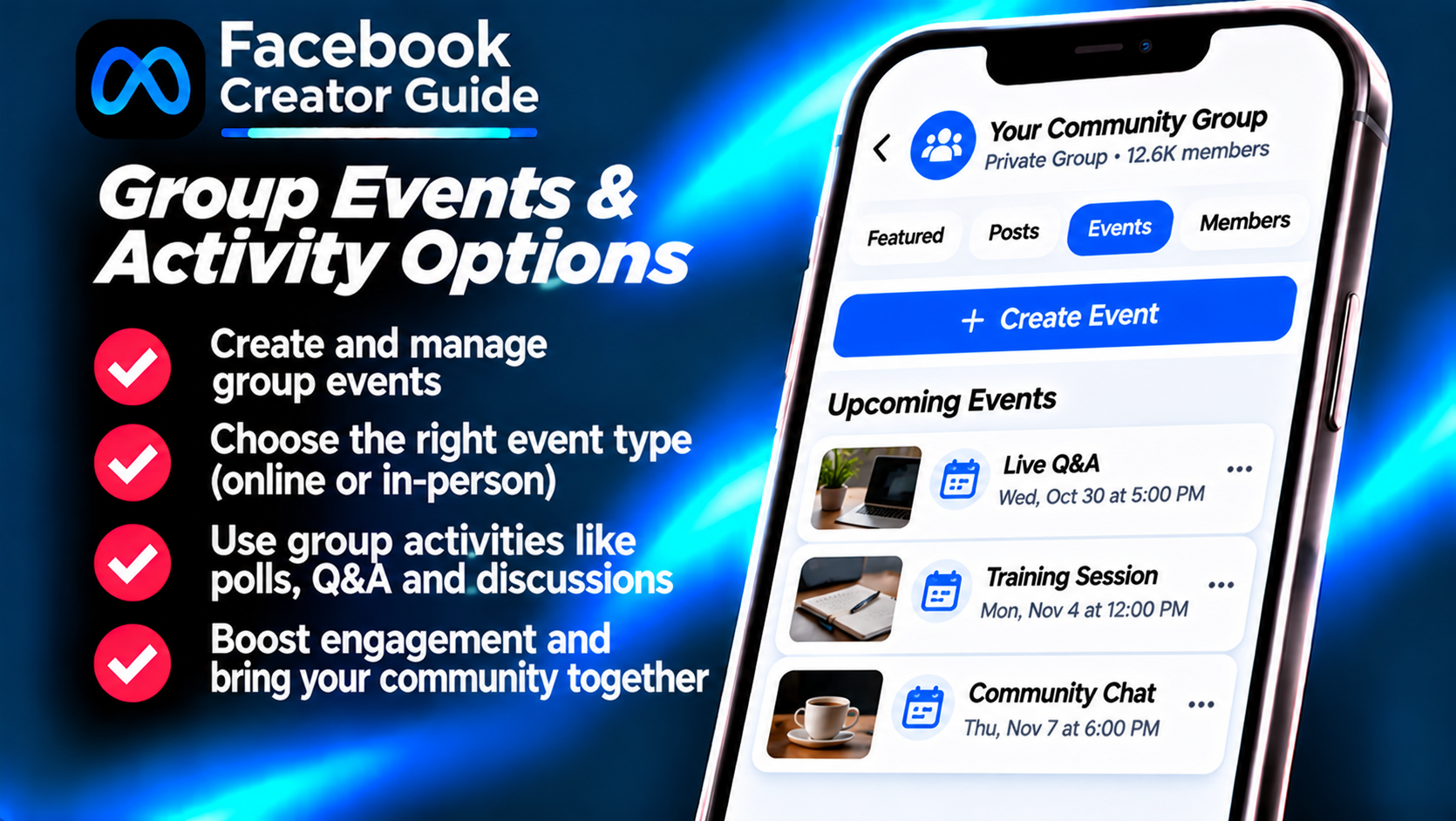
Step-by-Step: Plan a member activity
- Choose one useful topic members have requested.
- Decide whether a discussion post, event, or LIVE is the right format.
- Publish a clear description and relevant time zone.
- Invite questions in advance.
- Host the activity and encourage respectful participation.
- Share a concise follow-up with the main takeaways.
Use the tools currently available in your Facebook app. Menu labels and eligibility can differ across accounts, devices, and regions.
Community Growth & Insights
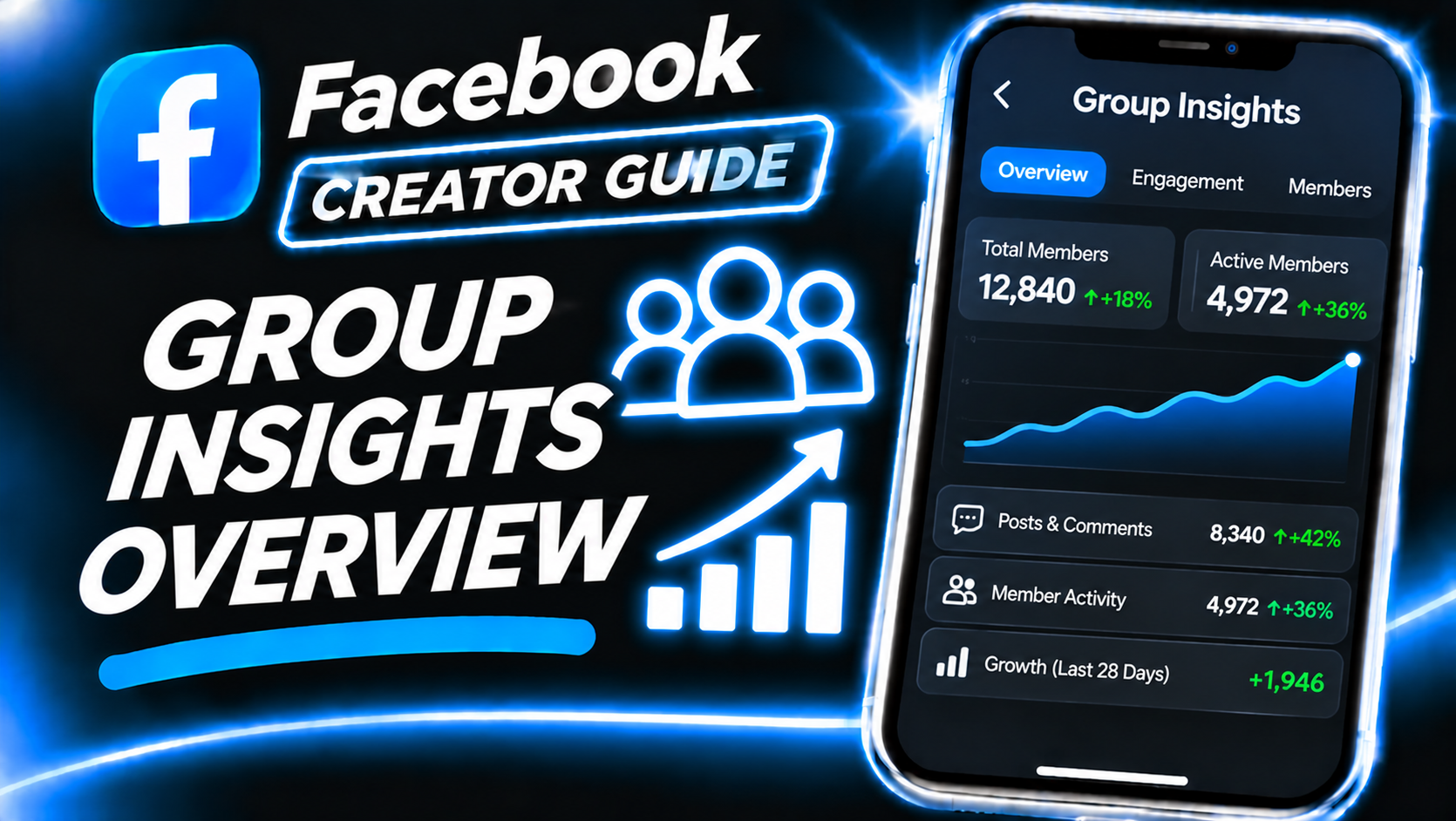
Member totals alone do not tell you whether a community is useful. Look at participation, repeat contributors, helpful replies, and relevant discussions. Use Group Insights when your Group and account have access.
Step-by-Step: Review community health
- Open Group Insights or available admin analytics.
- Review activity and engagement measures that are available.
- Identify discussion topics that receive substantive responses.
- Note common questions and unresolved issues.
- Compare results over multiple weeks rather than one post.
- Choose one improvement for the next week.
Use the tools currently available in your Facebook app. Menu labels and eligibility can differ across accounts, devices, and regions.
Community Operating System
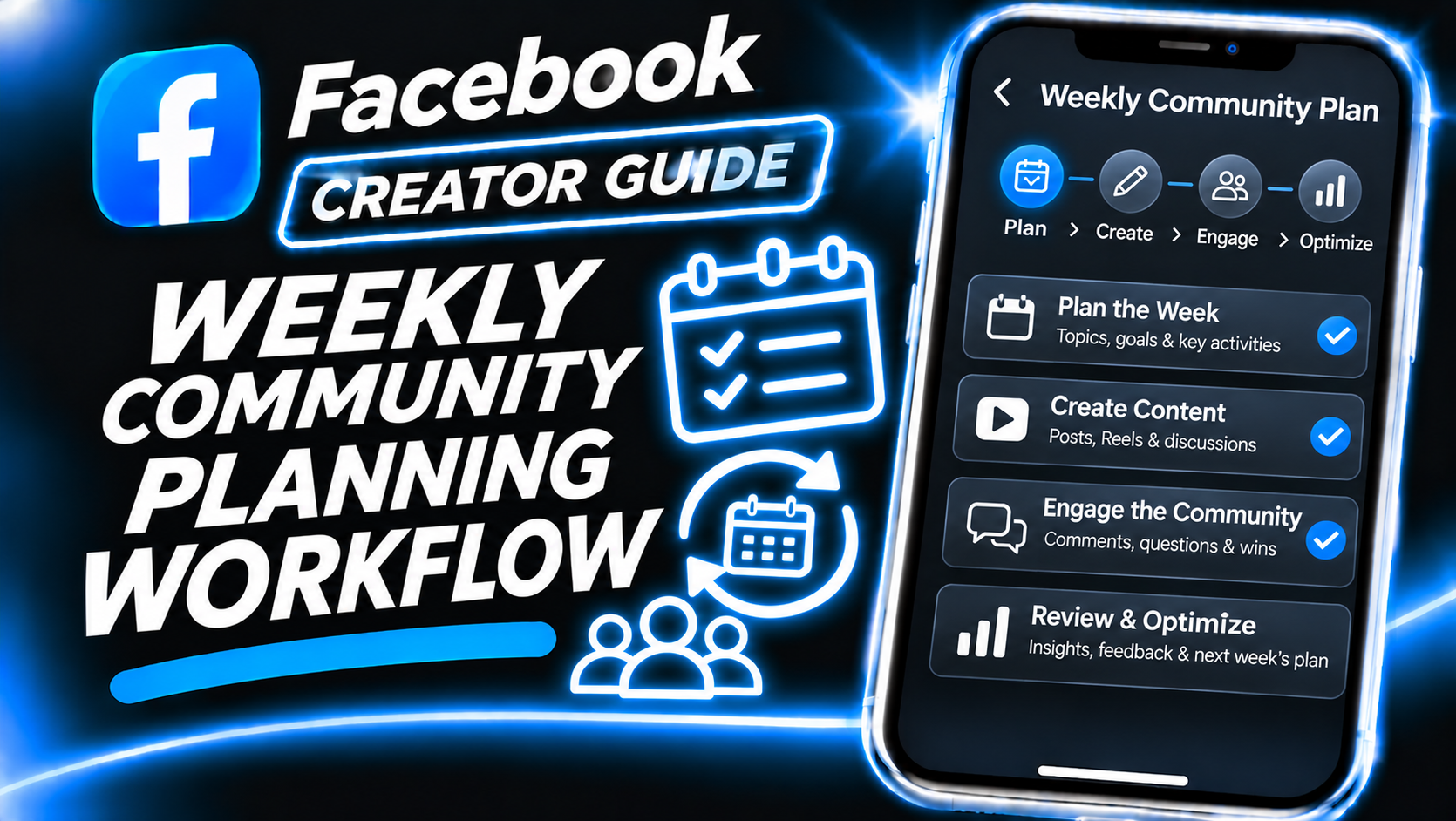
A strong community has a clear purpose, consistent boundaries, useful activities, and a manageable operating rhythm. Use the planner below to turn the lessons into a weekly system.
Step-by-Step: Launch your operating plan
- Complete the community planner below.
- Draft the first week of discussion prompts.
- Publish or refresh your rules and welcome message.
- Assign time for moderation and replies.
- Review the week and adjust based on member needs.
Use the tools currently available in your Facebook app. Menu labels and eligibility can differ across accounts, devices, and regions.
Interactive Community Operating Planner
ChatGPT Community Prompt Vault
01 · Group Description
Write a clear Facebook Group description for [audience] who want [outcome]. Explain the purpose, what members can expect, and the tone of the community. Avoid exaggerated claims.
02 · Community Rules
Draft six practical Facebook Group rules for a community about [topic]. Cover respectful discussion, spam, promotions, privacy, and moderation. Keep them friendly and enforceable.
03 · Welcome Post
Write a warm, concise welcome post for new members of a Facebook Group about [topic]. Include one easy introduction question without requesting sensitive personal information.
04 · Discussion Prompts
Generate 15 thoughtful Facebook Group discussion questions for [audience] focused on [topic]. Prioritize specific questions that invite useful experiences rather than one-word replies.
05 · Weekly Content Rhythm
Create a sustainable five-day Facebook Group engagement plan for [audience]. Balance teaching, peer discussion, practical activities, and member contributions. Do not make every day promotional.
06 · Moderation Response
Draft a calm, professional moderator reply to this Group situation: [describe situation]. Refer to this rule: [rule]. Avoid public shaming and suggest an appropriate next step.
07 · Community Event
Create a 30-minute Facebook community session outline about [topic] for [audience]. Include an opening, short teaching segment, discussion questions, and a useful follow-up.
08 · Community Review
Analyze these Facebook Group activity notes: [paste observations]. Identify participation patterns, unanswered questions, and three realistic improvements. Do not invent metrics.